
Hou een oog op je voorraad.Keep an eye on your supply.
Tel wat je nog hebt, Suppleye rekent uit wat je moet bijbestellen en stuurt je bestelling naar je leverancier.Count what you have left, Suppleye works out what to order and sends the order to your supplier.
Van tellen tot bestellen in een paar tikken.From counting to ordering in a few taps.
-
1
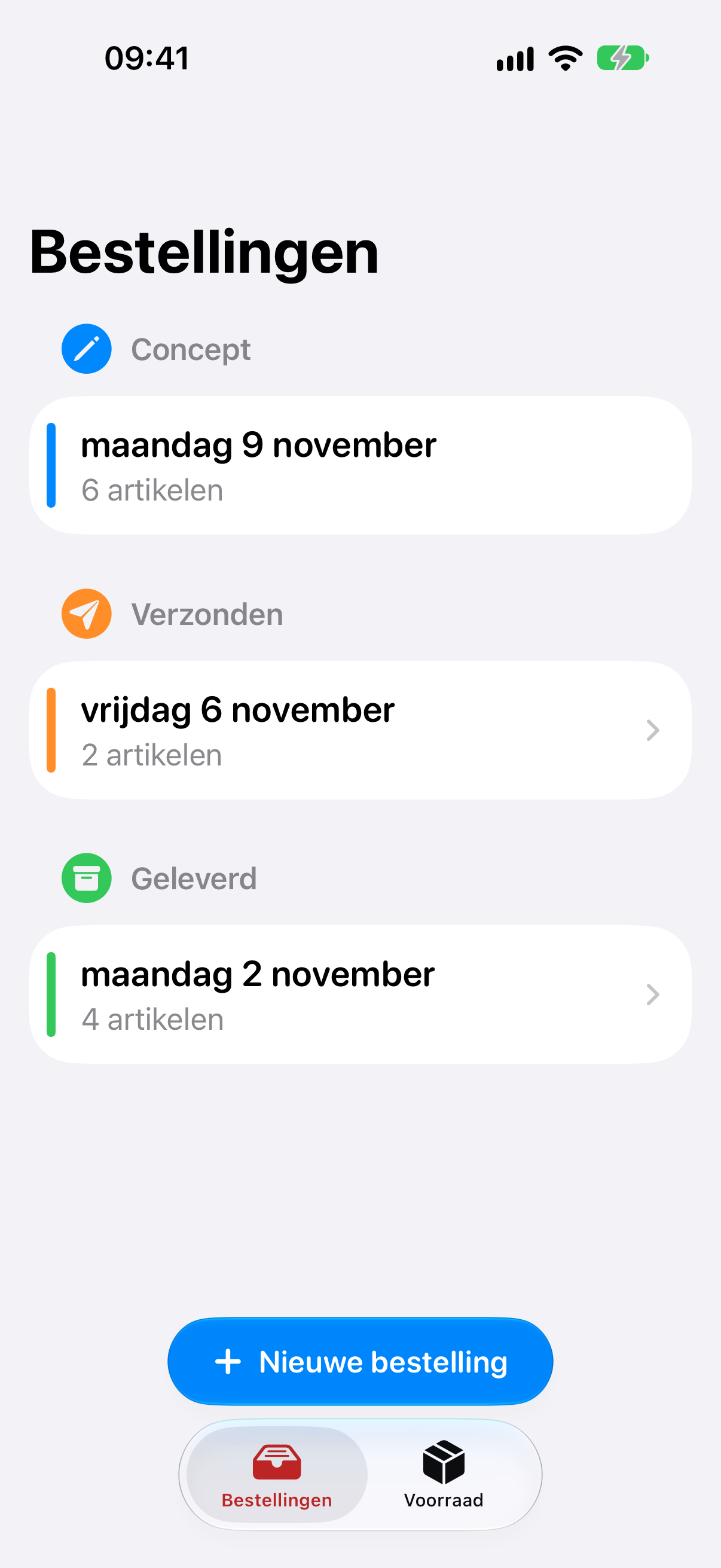
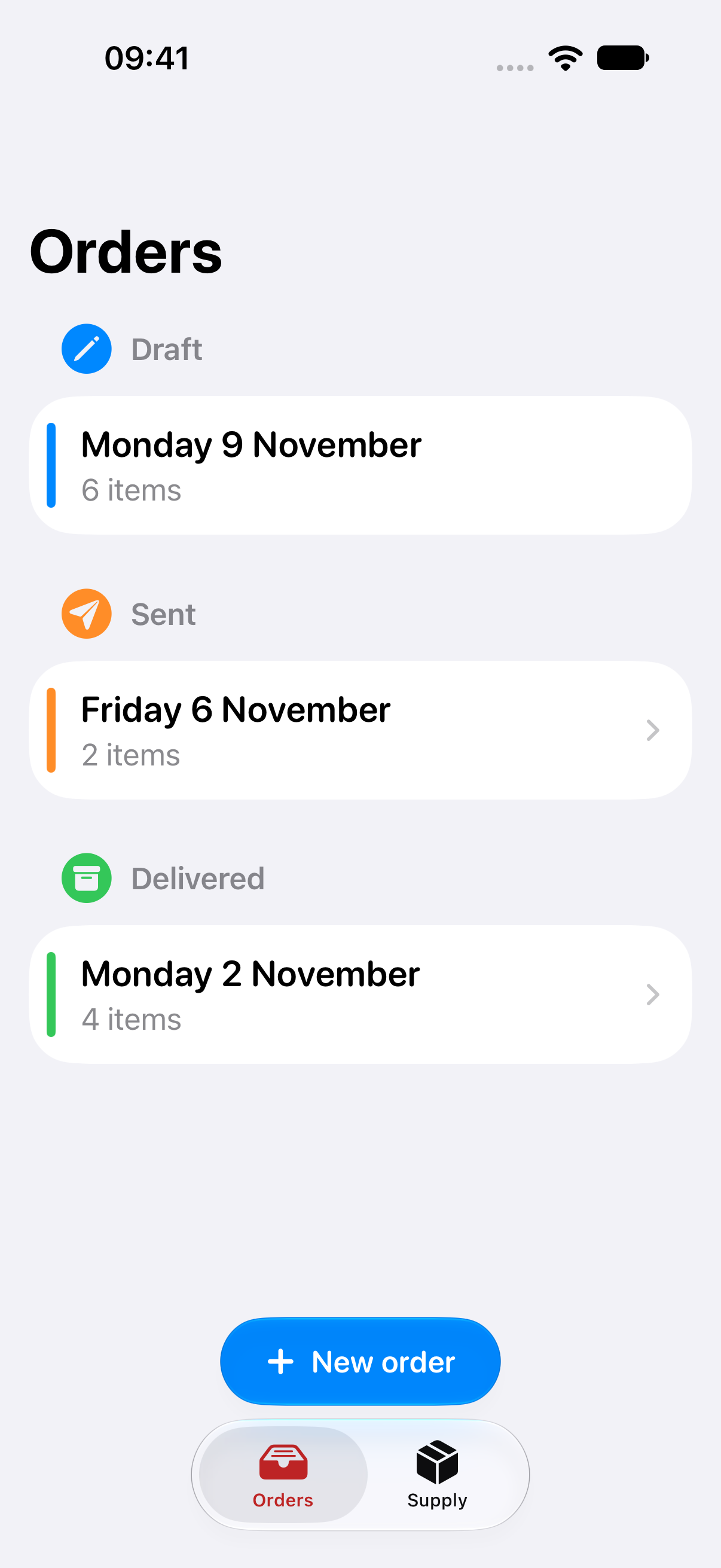
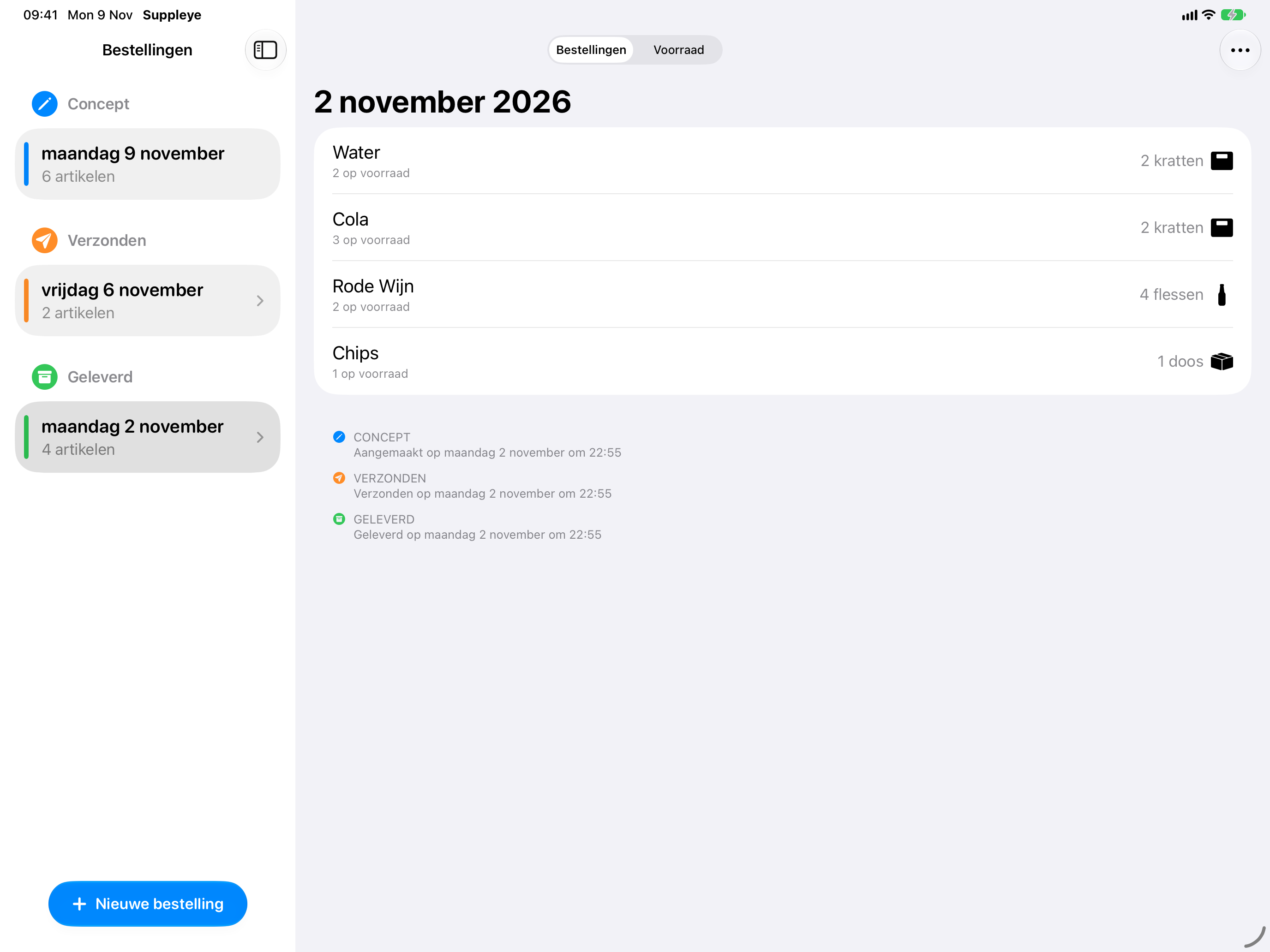
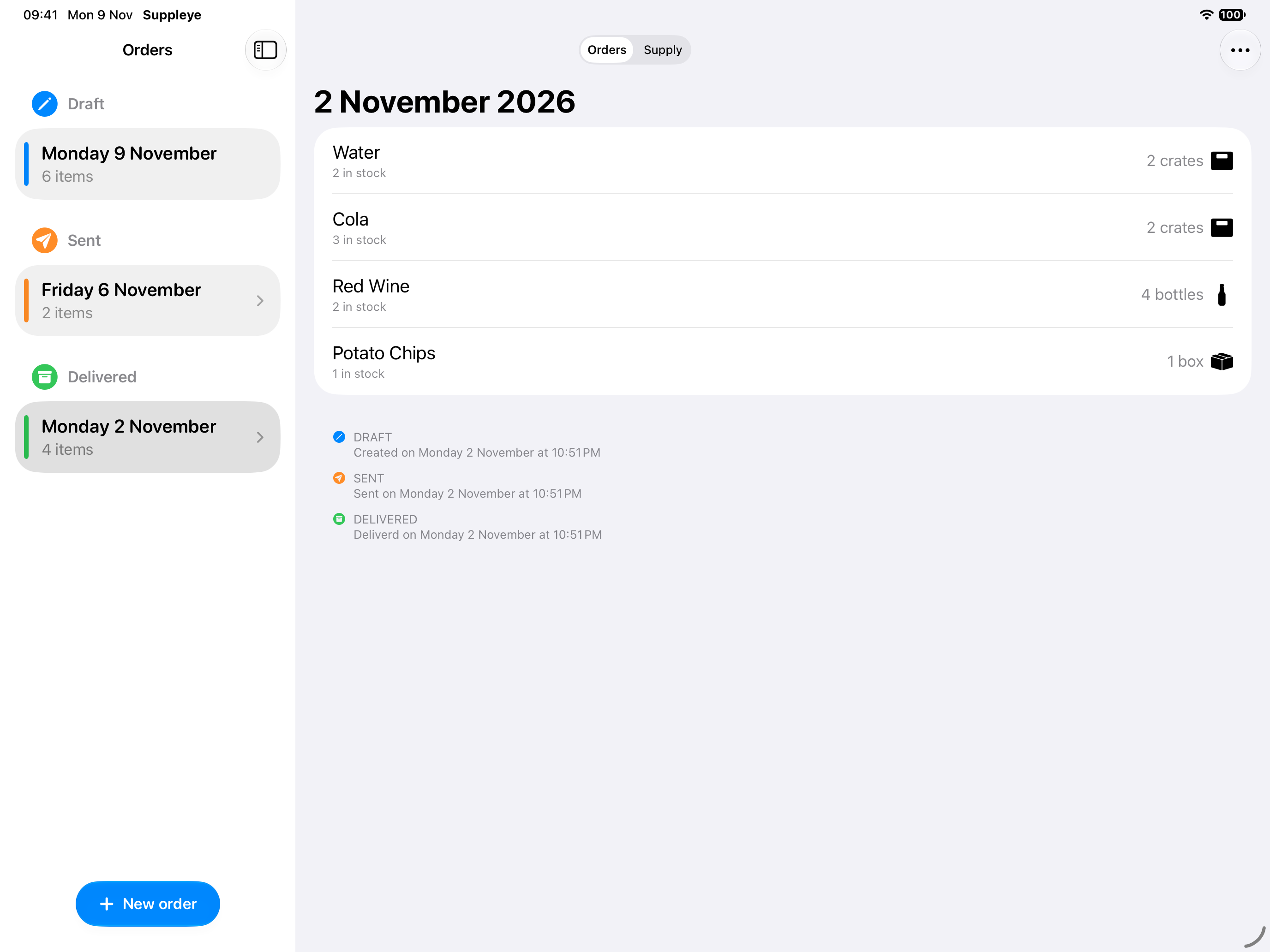
Al je bestellingen op één plekAll your orders in one place
Zie in één oogopslag welke bestellingen nog in opmaak zijn, verzonden of geleverd.See at a glance which orders are still drafts, sent or delivered.
-
 2
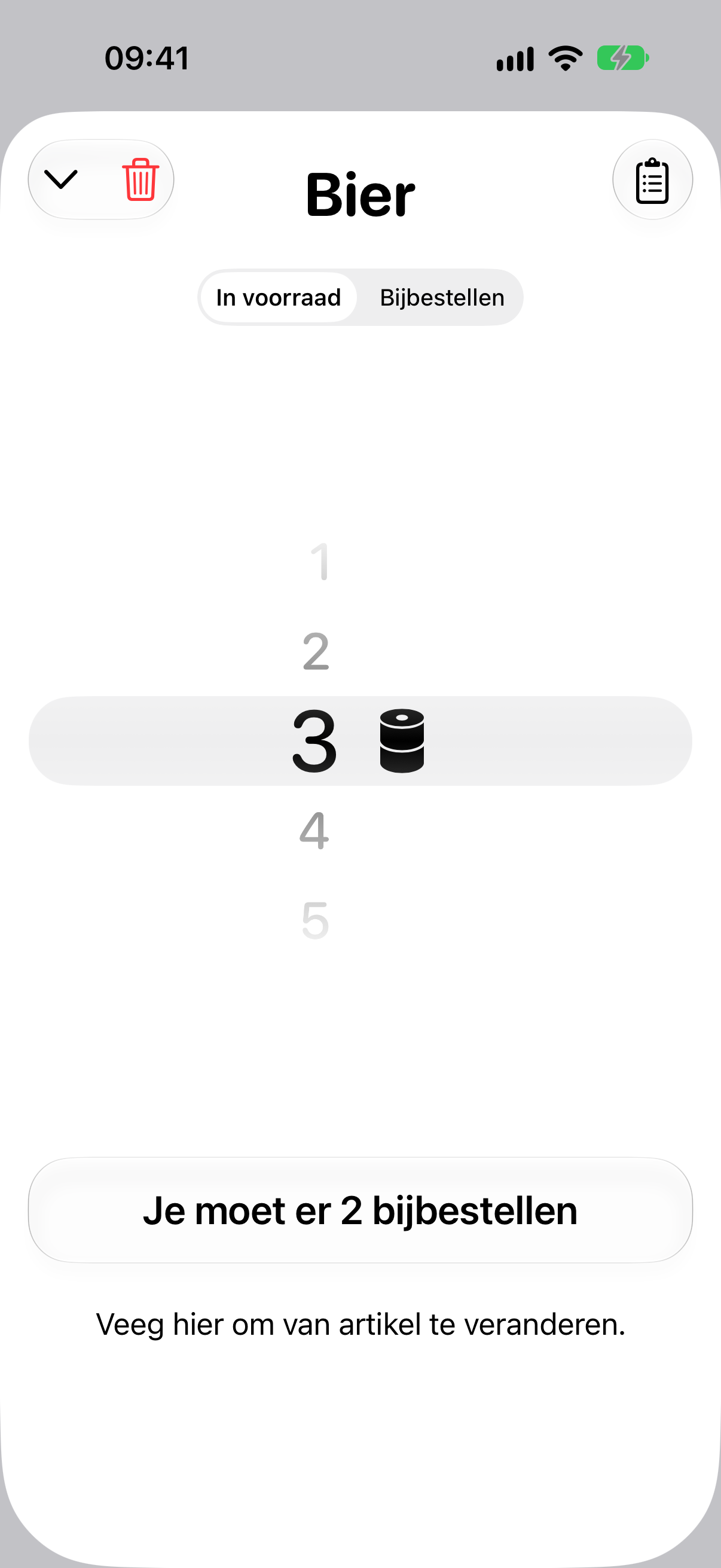
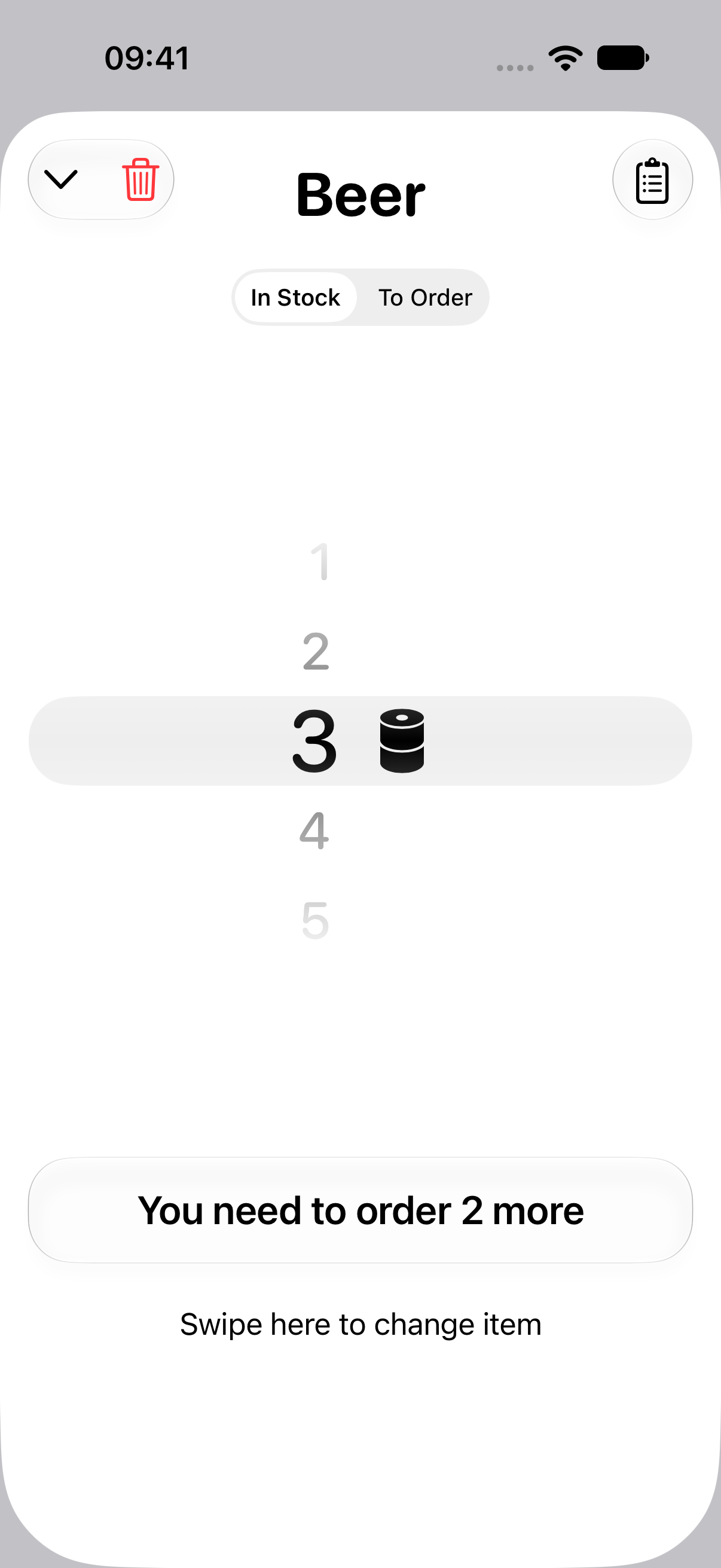
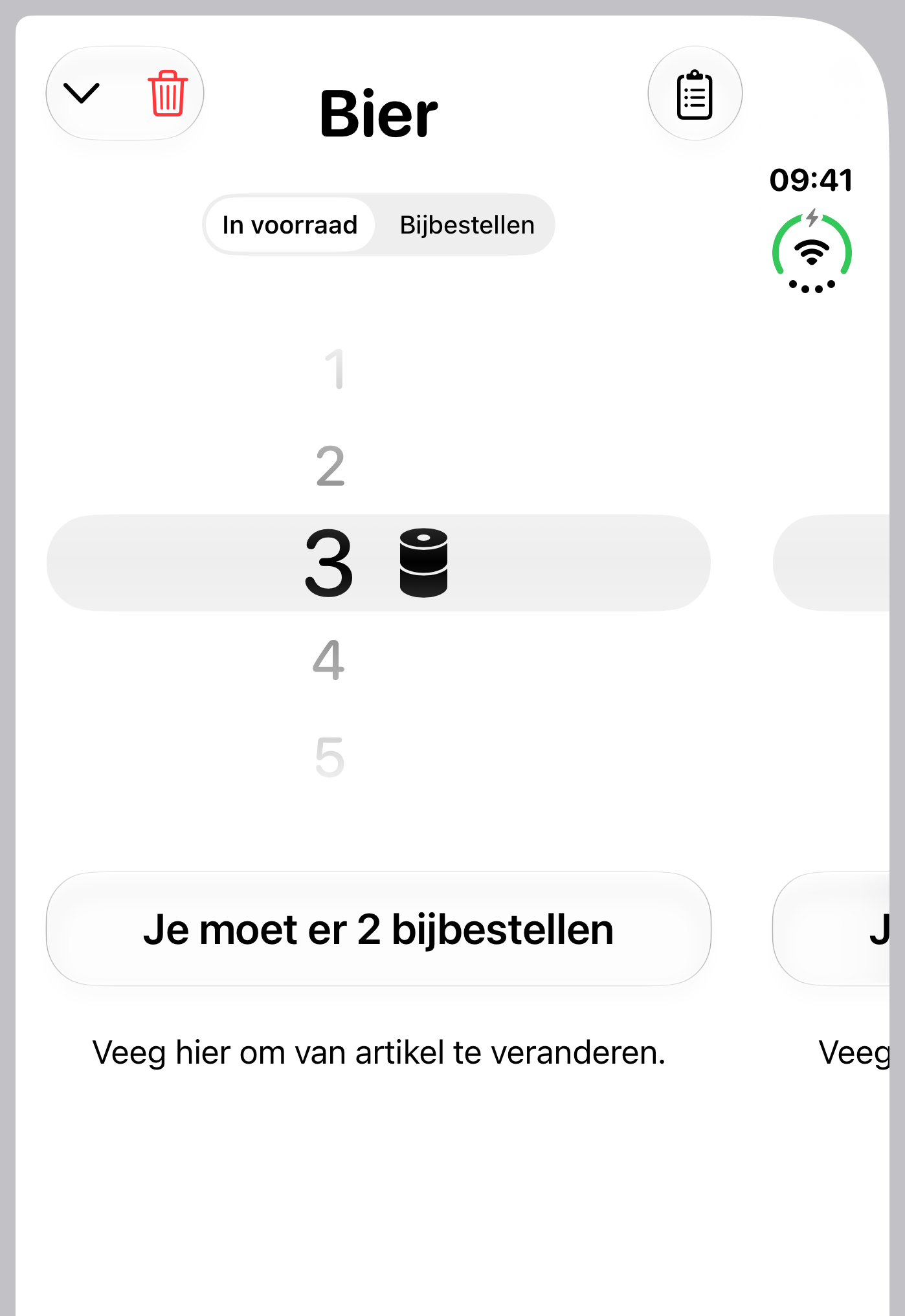
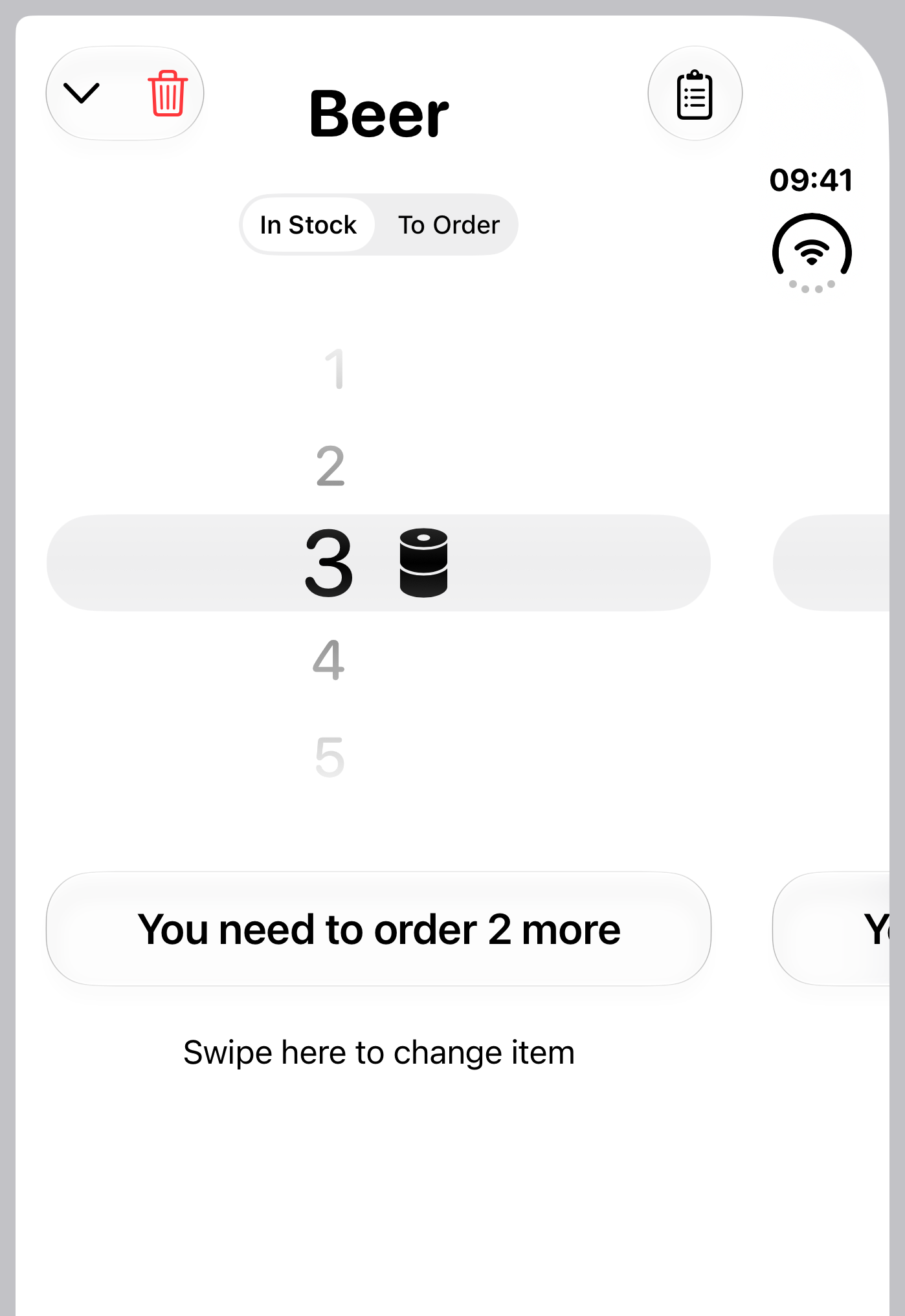
Tel wat je nog hebtCount what you have left
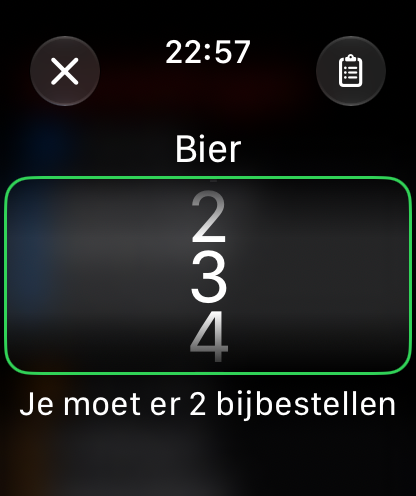
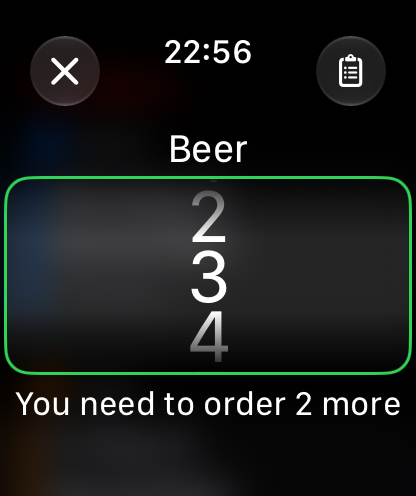
Geef per artikel aan hoeveel er nog in voorraad is. Suppleye rekent uit hoeveel je moet bijbestellen.Enter how much of each item is left in stock. Suppleye works out how much you need to order.
-
 3
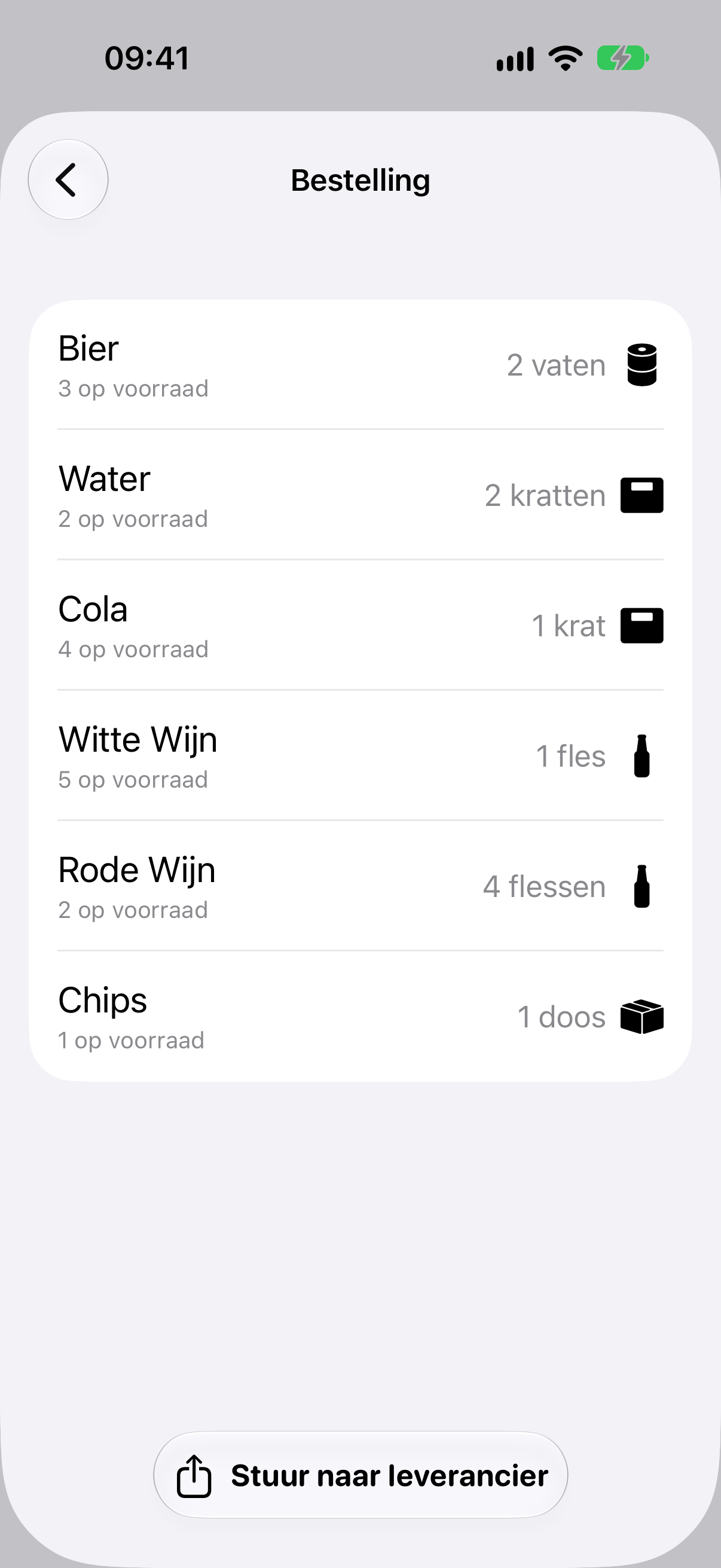
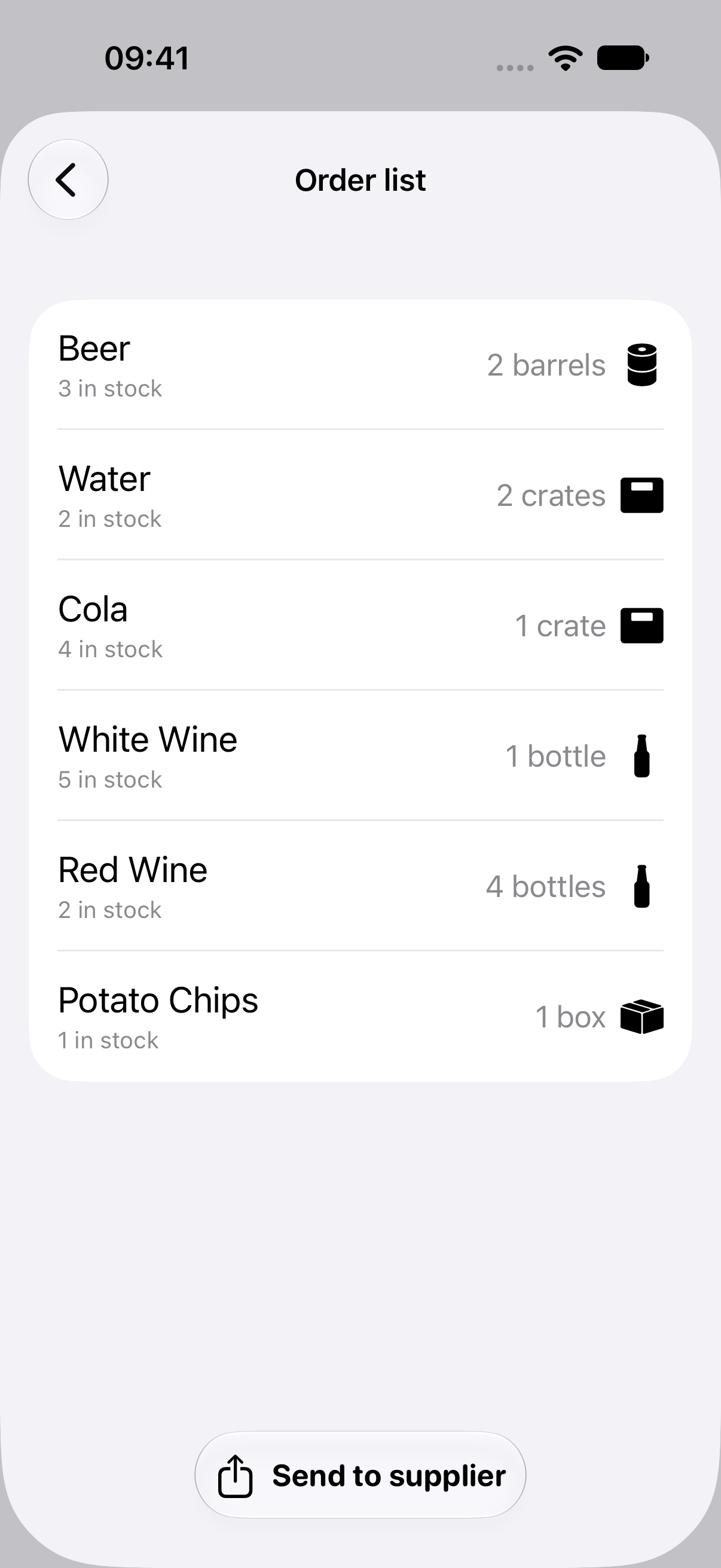
Stuur je bestelling doorSend your order
Krijg een overzicht van je bestelling en stuur ze meteen naar je leverancier, via Mail of een andere app.Get an overview of your order and send it straight to your supplier, by Mail or any other app.
-
 4
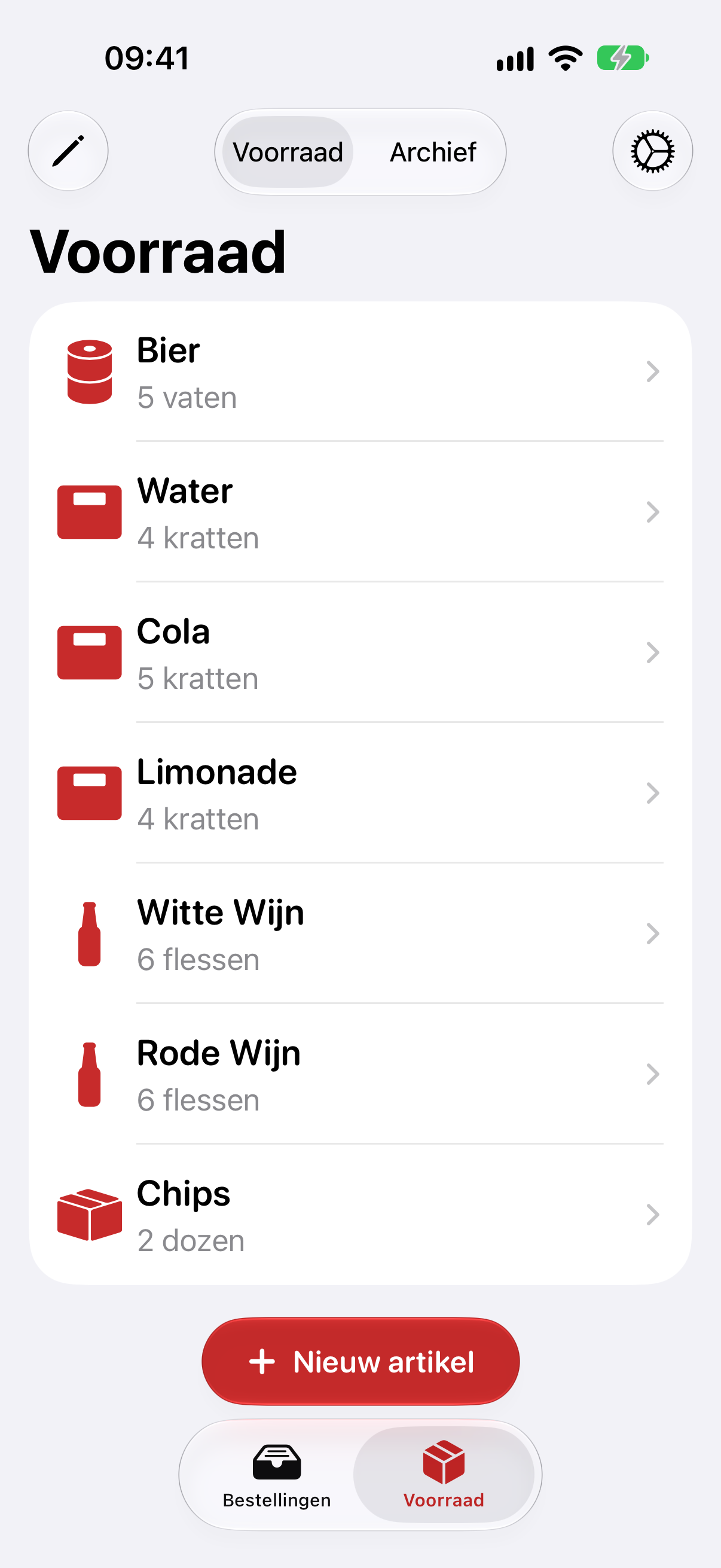
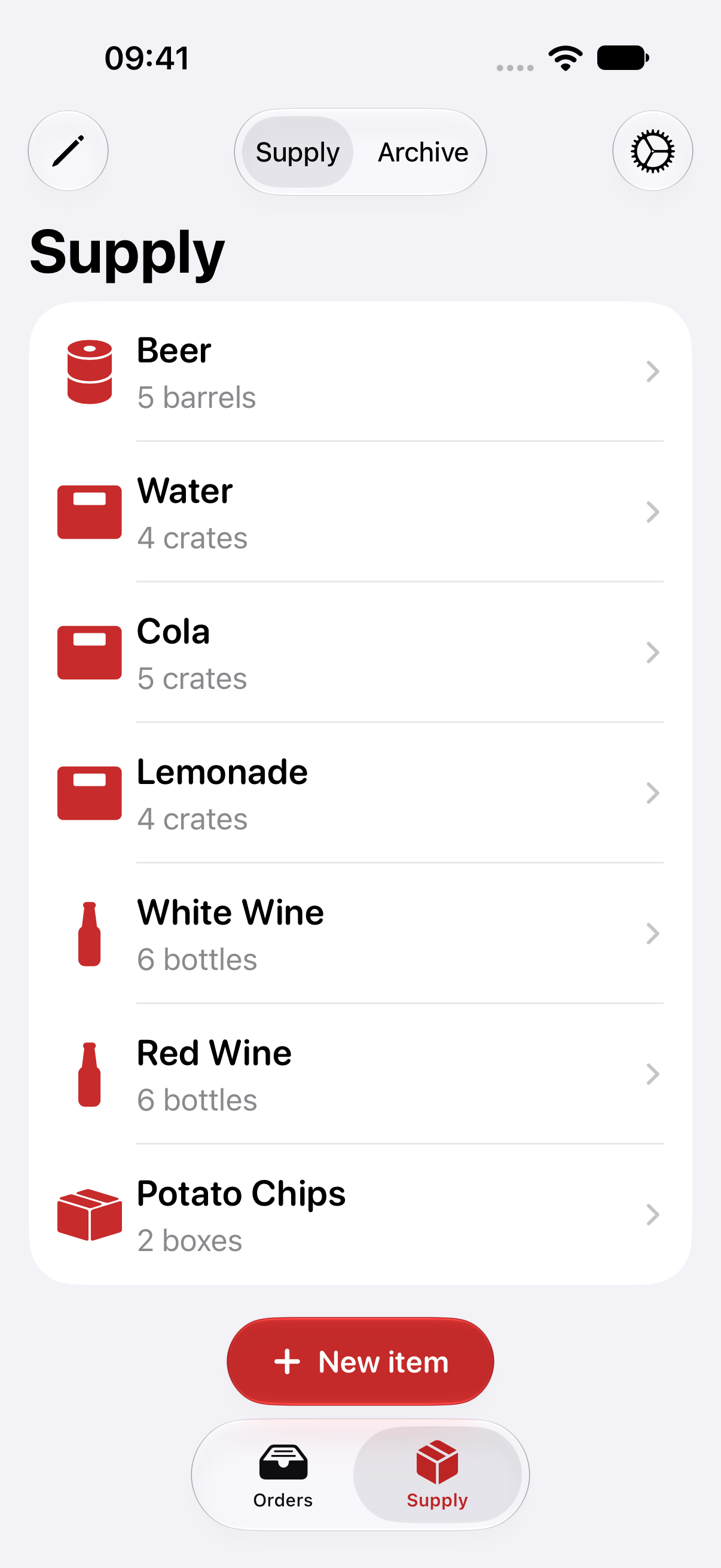
Beheer je artikelenManage your items
Leg voor elk artikel de minimum hoeveelheid vast en zet ze in de volgorde waarin je telt.Set the minimum amount for every item and put them in the order you count them in.
iPhone, iPad en Apple Watch.iPhone, iPad and Apple Watch.
Je voorraad synchroniseert via iCloud, dus je telt verder waar je gebleven was.Your stock syncs through iCloud, so you can pick up counting where you left off.
Eenvoudig, en zonder gedoe.Simple, without the hassle.
-
Apple WatchApple Watch
Tel je voorraad en maak een bestelling rechtstreeks vanop je pols.Count your stock and make an order right from your wrist.
-
Synchroniseert via iCloudSyncs with iCloud
Je gegevens blijven in je eigen iCloud en zijn up-to-date op al je toestellen.Your data stays in your own iCloud and is up to date on all your devices.
-
OpdrachtenShortcuts
Start een nieuwe bestelling met Opdrachten of Siri.Start a new order with Shortcuts or Siri.
-
Markeer als geleverdMark as delivered
Houd bij welke bestellingen al aangekomen zijn.Keep track of which orders have arrived.
-
Je eigen leveranciersYour own suppliers
Stel per leverancier het onderwerp van je bestelmail in.Set the subject of your order email for each supplier.
-
Geen account nodigNo account needed
Geen registratie en geen tracking: we verzamelen geen gegevens.No sign-up and no tracking: we don't collect any data.